

What it does
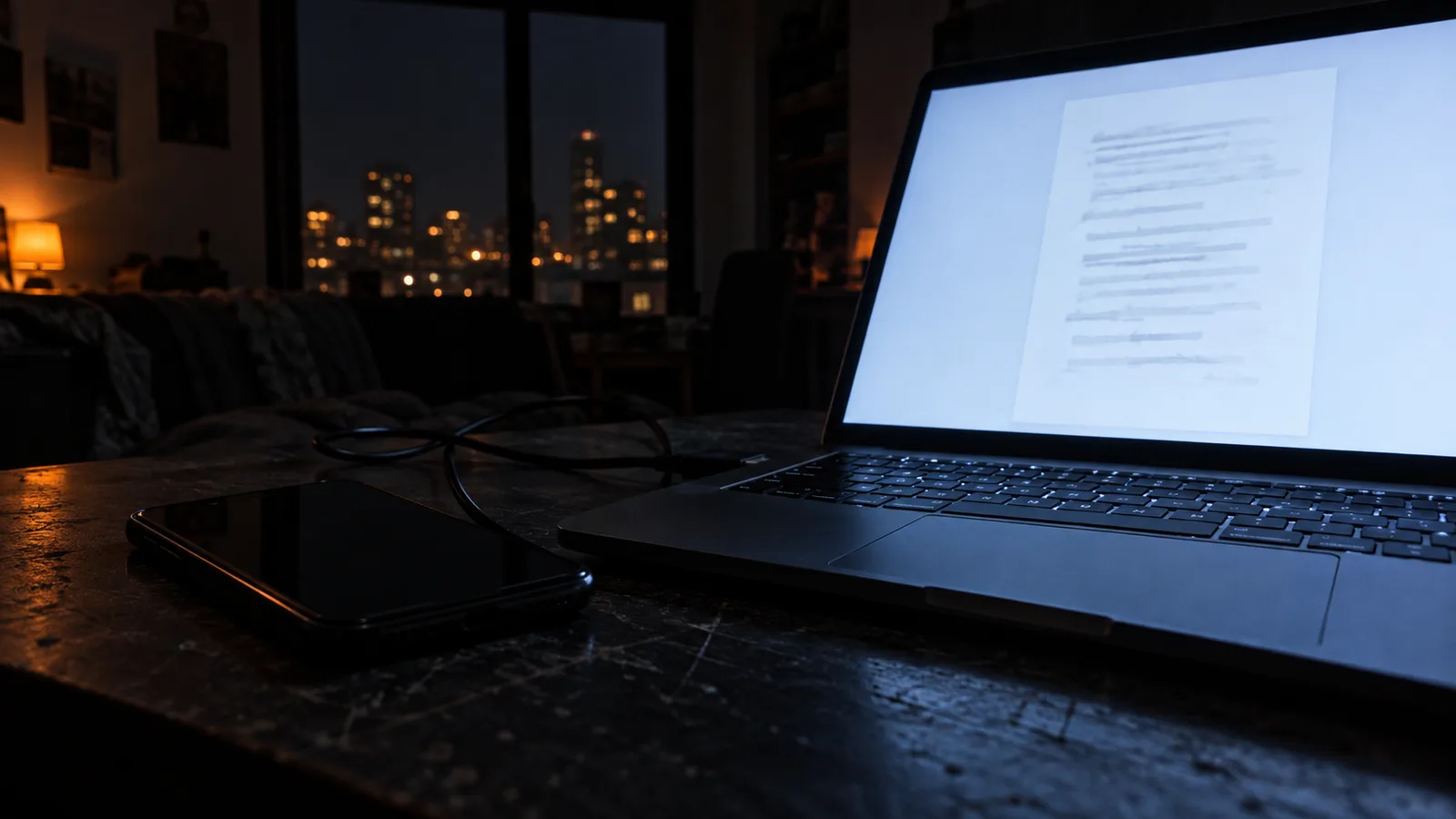
Send to PC moves a scan from the phone to your computer the moment you send it. Scan a page on the phone, and the file appears in the vFlat folder on the computer, ready to drop into a document or a shared drive. It replaces the cable, the cloud round-trip and the email to yourself.
Set it up once
On the computer, open pc.vflat.com and install vFlat Desktop. Start it, and it shows a code. On the phone, open Send to PC in vFlat, choose Register PC, and enter that code. The computer is now on your list, and you can register more than one.
Sending scans
After scanning, choose Send to PC and pick the computer. The files arrive in the vFlat folder on the computer; you can change where they are saved in vFlat Desktop.
Good to know
Send to PC is part of vFlat Premium. The images travel through our servers only to reach your computer, are used for nothing else, and are deleted within 24 hours after the transfer. Everything else about the scan stays on your phone.