


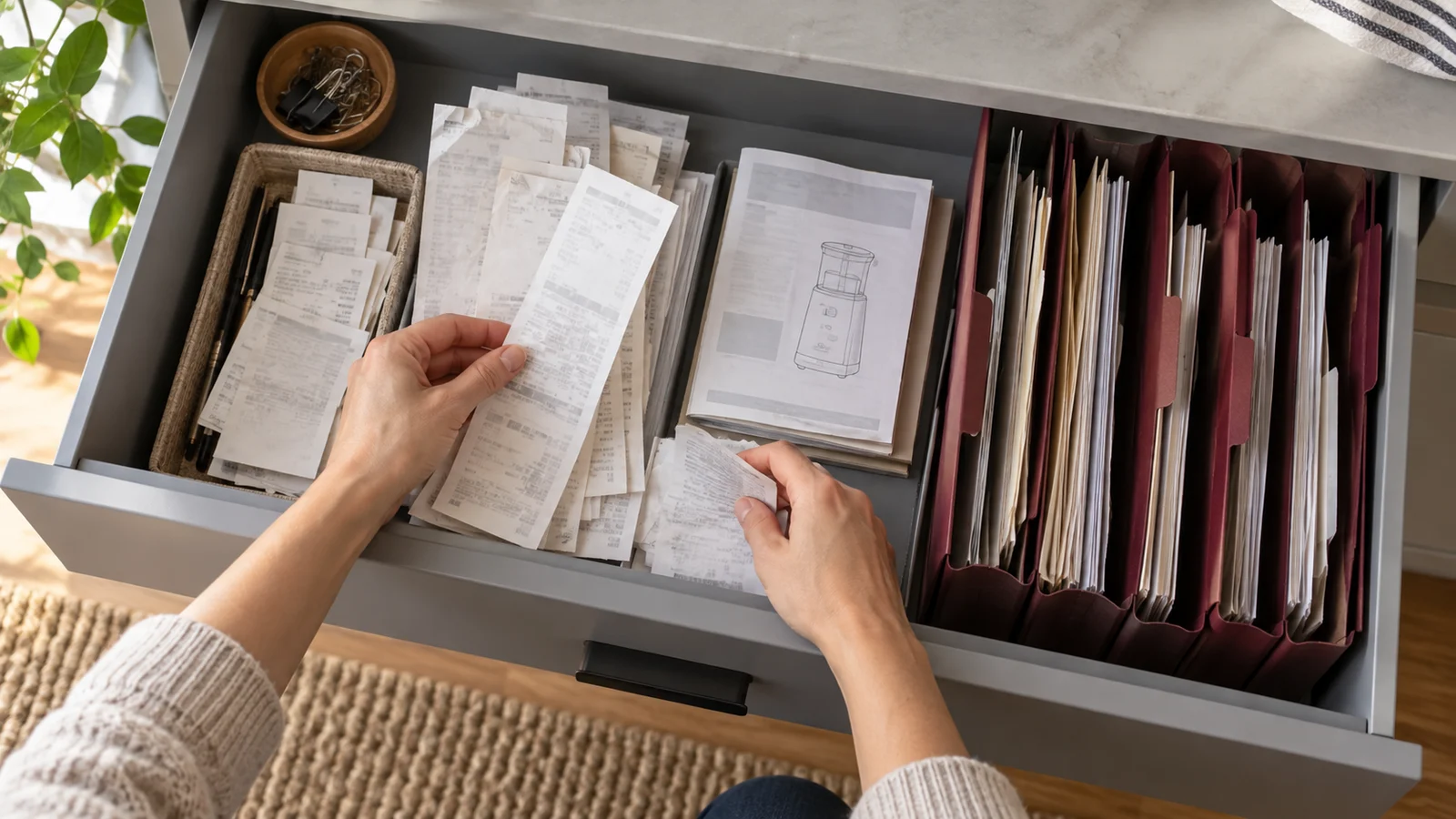
Start with the question you will ask later
Imagine looking for the instructions for a desk lamp or the receipt for a replacement part. You are more likely to remember the object than the day you scanned its paperwork. Let that future search guide the way you organize it.
Start with one small group: one appliance, one room or one recent project. Trying to clear every drawer at once makes it harder to check what each file contains.
Capture the identifying details
For a receipt, check the shop name, purchase date, item description and total in the image. For a manual, include the cover or model information as well as the pages you need. An instructions page without the model it belongs to can be difficult to use later.
Flatten loose folds gently and check the complete outline before taking the scan in vFlat. If a long receipt needs several images, leave a little overlap so you can check that nothing fell between them. Read the small print in the saved images before putting the paper away.
Name files for objects, then dates
Use a pattern you can remember. For example, desk-lamp_receipt_2026-10-12.pdf and desk-lamp_manual.pdf can sit in the same folder in your computer or chosen storage service. Choose the names and folder yourself so they fit the way you look for things.
Use the purchase date when you know it. If you only know when you scanned the paper, label that date accordingly rather than guessing. Add a model or room name when two objects would otherwise look identical in a search.
Check one real retrieval
Close the file and try to find it again from its saved location. Open it and answer a practical question: Is this the right model? Can I read the part number? Is the receipt complete?
OCR text can help with copying information, but keep the image as your reference and verify important numbers against it. A filename you understand is useful even when a handwritten note or unusual typeface is not recognized correctly.
Give the archive a home outside the app
Export the files you want to keep and save a second copy in a location you control, such as your computer or your chosen backup storage. Open that copy to confirm it saved properly. A scan on a phone and a file you can access elsewhere solve different problems.
Keep original papers when you still need them; a scan does not establish whether a shop or another organization will accept a copy. Once a place and naming pattern work for you, use them for the next few receipts instead of inventing a new system each time.