

Save a starting version
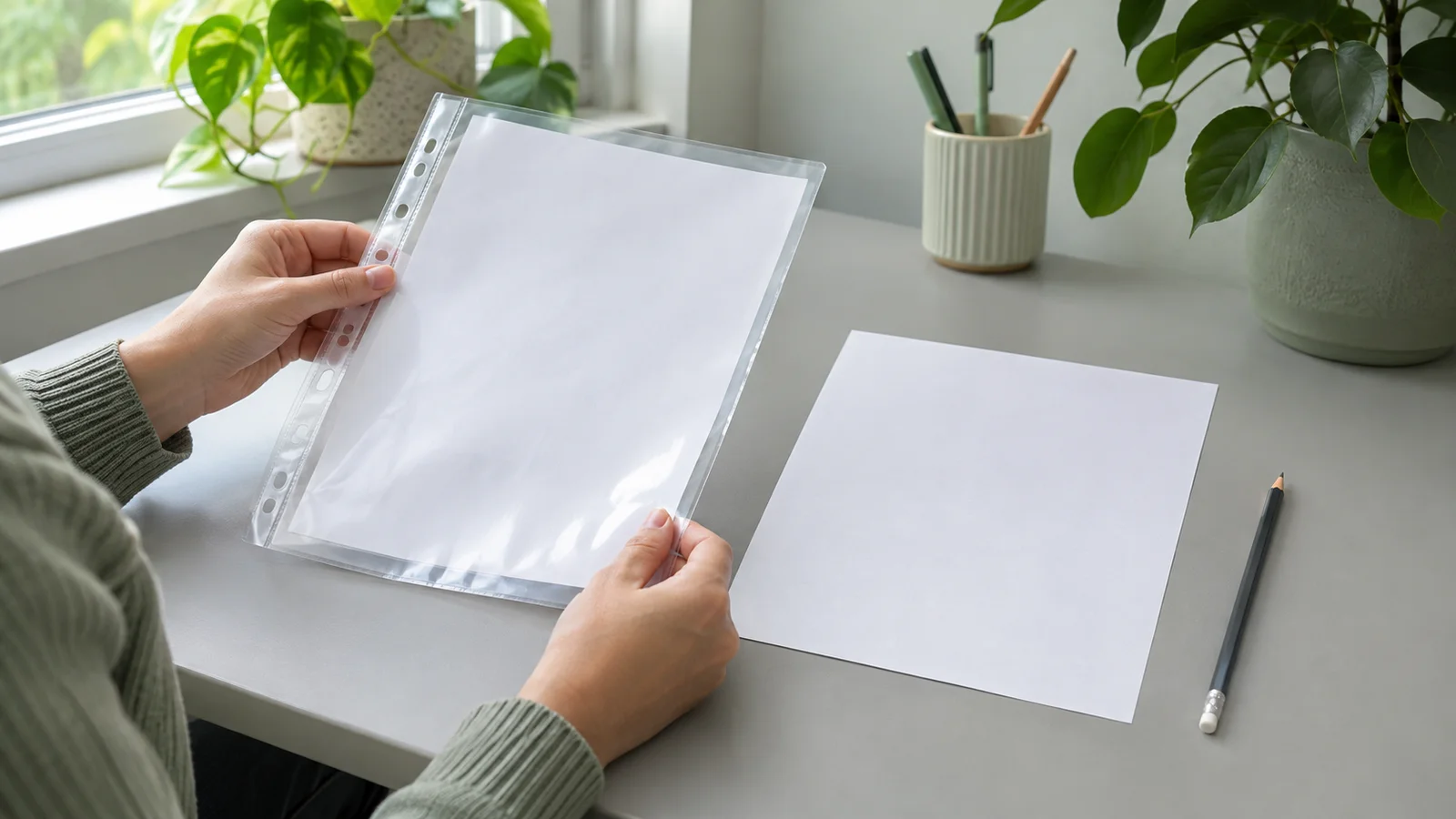
Before cropping or adding notes, save a scan that includes the whole page. Open the saved file and check its edges and small writing. Here, “original scan” means this starting file, not the paper document or a guarantee that the scanning app made no adjustments.
Make a working copy
Duplicate that file before editing. Use two clearly named folders for the starting files and working copies, or add a version label to the copy’s name. Check which file is open before saving changes. This is a suggested filing routine, not a claim about any app’s undo or version-history features.
Compare before sharing
Try your crop or annotation on the copy. Then open it beside the starting scan: did you remove a margin note or cover a detail? If you need another version, return to the saved starting file. Keep a short note of substantial edits so you can explain how the versions differ.
Keep the paper too
A working copy serves a particular purpose; the starting scan remains your reference. Keep the paper document as well, as the U.S. National Archives advises after digitization. Before moving on, confirm that you can find and open both digital versions without confusing them.