


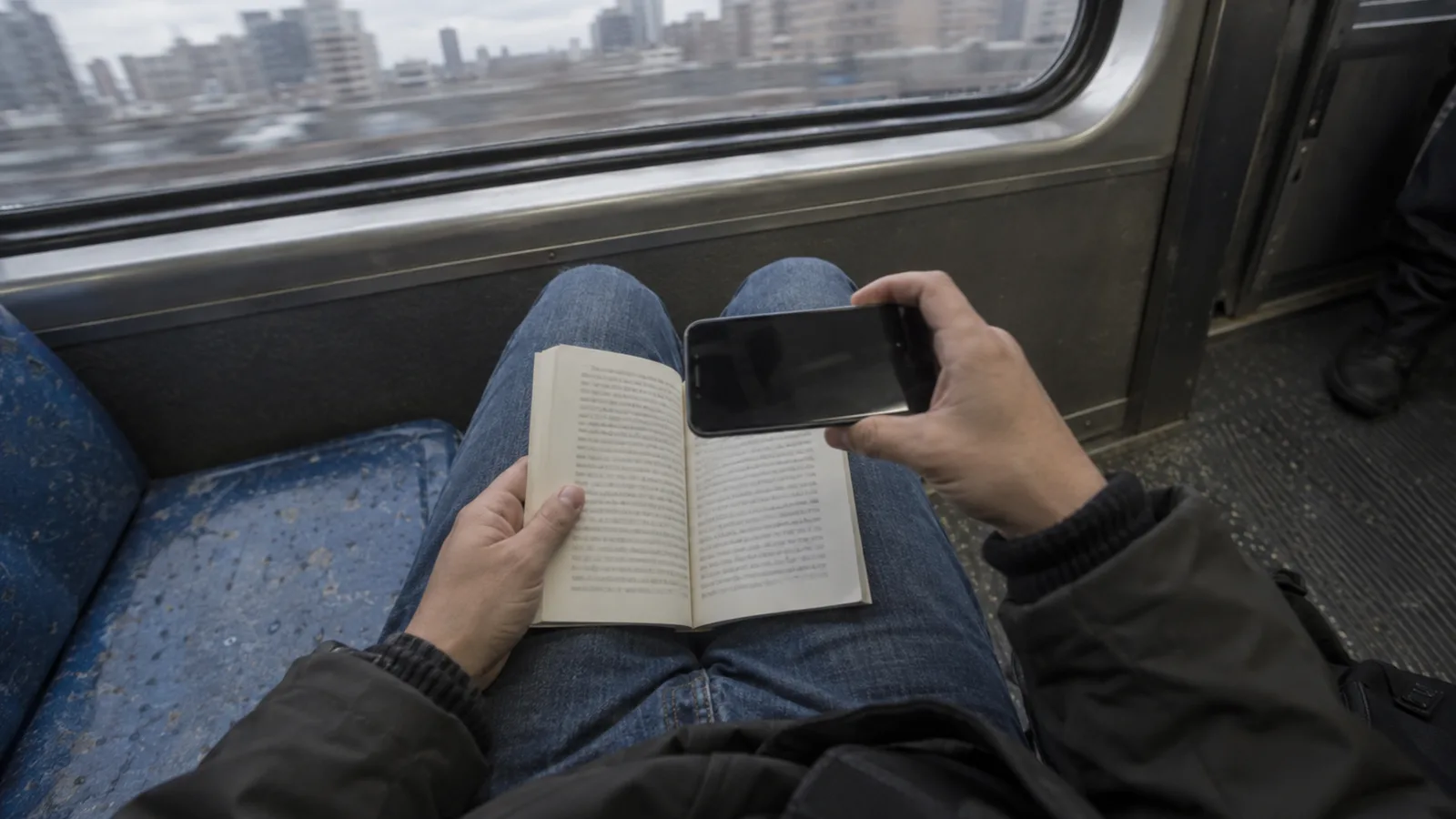
What runs on the phone
Capturing the page, finding its edges, flattening the curve, and erasing your fingertips all run on the phone itself. The photo does not have to travel anywhere to become a scan, which is why vFlat works the same in a library basement with no signal as it does at home.
The two features that use a server
Two features need more than the phone: text recognition (OCR) and Send to PC. When you run text recognition on a page, that image is sent over an encrypted connection to be analysed — we use Google Cloud Vision for recognition. Send to PC passes the image through our servers to reach your computer.
In both cases the image is used only for the job you asked for, deleted within 24 hours after processing, and never used to train our models. Nothing is sent unless you start it yourself — OCR, Send to PC, or an explicit share, export or backup. A scan you never do any of those with stays on the phone.
Nothing else is uploaded
A scan stays in the app until you do something with it. Sharing to another app, exporting a file, or backing up to a cloud service are all explicit choices you make, per scan or per folder. There is no background upload of your library.
Why it matters
Plenty of what people scan is not meant to be seen by anyone else: a contract before it is signed, a medical form, a student's notes, a rare book a library has agreed to let you photograph but not publish. Keeping the everyday work on the phone, and being clear about the two features that are not, means you can decide page by page.
Backups are yours to arrange
If you want your scans somewhere other than the phone, pick the place: your own cloud storage, a shared drive at work, a folder on your computer. vFlat exports to any of them, and the copy that leaves is the one you chose to send. The full details are in our Privacy Policy, linked in the footer.